
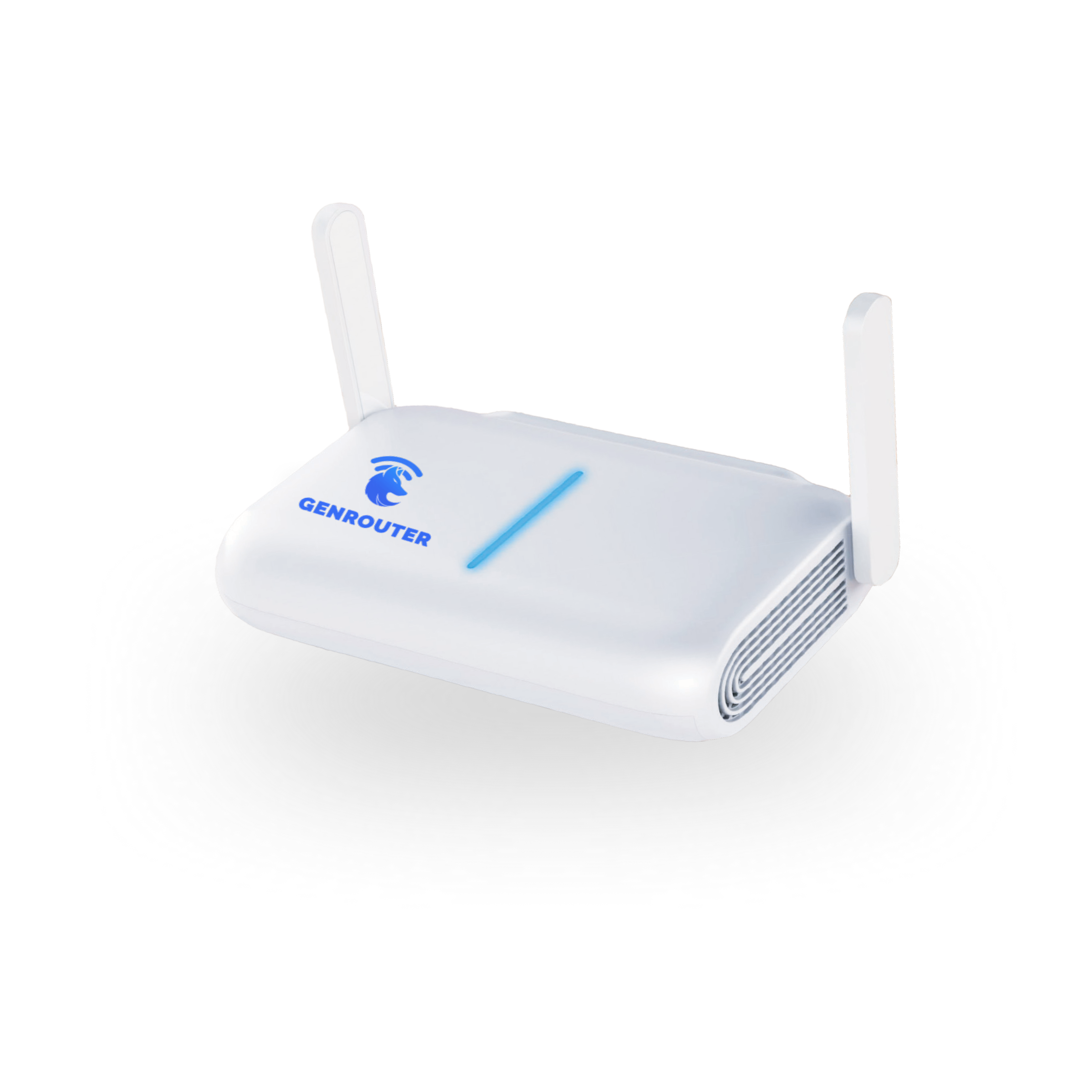




GenRouter H3000 - WiFi 6 Proxy & VPN Router


Secure checkout:

Description
Manage your phones' network settings from one place with GenRouter H3000
Running several phones for social media or ecommerce? Set up their proxy or VPN connections on GenRouter H3000, then connect the phones to its WiFi.
Choose a connection for each phone or group. You can manage those connections on the router instead of repeating the setup on every phone.
Your phones use the routes you assign. You still choose and add the proxy or VPN service you want to use.
The IP on screen is only part of the setup
An IP check shows the address your phone is using. DNS, WebRTC and local network settings also need attention when you want to keep devices' connections separate.
GenRouter brings these controls together on the router: custom DNS, WebRTC protection and LAN isolation, alongside your proxy and VPN settings.
Configure the connection, then check it on the phone. The router helps manage the network setup; account activity and platform rules still matter.
A separate route for each phone or WiFi group
Create WiFi networks for different markets, clients or groups of phones, then assign the proxy or VPN each network should use.
- Per phone: assign its own proxy when it needs a separate IP.
- Per group: connect several phones to a WiFi network with the route you choose.
- Several markets: use separate configured routes for groups working with the US, UK, Canada or Japan.
Phones using the same proxy or VPN connection share that connection's public IP.
No extra proxy app on each phone
Add your proxy or VPN details on GenRouter and assign the connection first. Then connect each phone to its assigned WiFi. The phone uses the route configured for that network.
iPhone or Android: join the WiFi, then check the IP on the phone.
32 WiFi networks. Recommended for up to 20 connected devices.
Create up to 32 separate WiFi networks for individual phones or groups. For H3000, the recommended load is up to 20 connected devices. The number of WiFi networks and the recommended device count describe different things.
WiFi 6 connectivity. One 2.5G LAN port and one 1G WAN port.
$198 for the router. Your proxy or VPN is separate.
- GenRouter H3000: one-time purchase, $198
- Paid proxy or VPN: your provider's billing cycle, your provider's price
- Shipping and tax: at checkout, based on your order
There is no subscription for the router. If you choose a paid proxy or VPN plan, your provider bills you separately.
GenRouter does not sell proxies. Add your provider's connection details and assign them to your phones or WiFi networks.
What's in the box
- GenRouter H3000 × 1
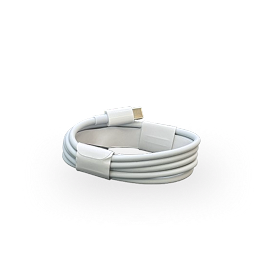
- USB Type-C power cable × 1
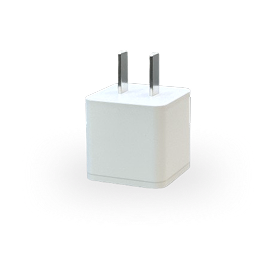
- US power adapter × 1
The standard package uses a US wall plug.
Proxy and VPN support: HTTPS / SOCKS5 (IPv4) and OpenVPN.
Set up your router in four steps
- Connect the router. Plug it into power and connect by Ethernet or existing WiFi.
- Add your proxy or VPN. Assign the connection to a phone or a WiFi network.
- Create WiFi for each group. Each network can use a different route.
- Connect and verify. Join the assigned WiFi and check the IP on the phone.
Planning to connect more than 20 devices? Ask about the right setup, including GenRouter Mini PC, before ordering.
1-Year Limited Warranty.
Estimated Delivery
Orders are processed within 1 business day. Orders placed on weekends or non-business days are processed on the next business day.
After your order ships, you will receive a shipping confirmation and tracking number. The carrier may take 3-10 business days to scan and update tracking information.
Delivery dates are estimates. Shipping is calculated at checkout. Import duties, taxes and local fees, where applicable, are paid by the recipient. See our Shipping Policy for destinations and full details.
Specification
WiFi: WiFi 6, dual-band 2.4 GHz and 5 GHz
WiFi networks: up to 32 separate networks (SSIDs)
Recommended load: up to 20 connected devices
LAN: 1 × 2.5G port
WAN: 1 × 1G port
Proxies: HTTPS / SOCKS5 (IPv4)
VPN: OpenVPN
Warranty & Return Policy
GenRouter H3000 has a 1-year limited warranty against defects in materials and workmanship, starting from the delivery date. Contact support with your order details before returning a device.
Change-of-mind returns are not accepted. EU and UK consumers buying for personal use may withdraw within 14 days of delivery under the conditions in our Return and Refund Policy.
Customers normally pay shipping both ways for warranty replacements, subject to applicable consumer rights. Keep your order record. If the package arrives damaged or items are missing, record photos or video and contact support within 7 days of delivery.
For returns, shipping damage or warranty help, email genroutersupport@gmail.com. See the full policy for eligibility, exclusions and instructions.
GenRouter H3000 - WiFi 6 Proxy & VPN Router
Take a closer look


Pay once for the router. Choose your own proxy or VPN.
GenRouter H3000 costs $198 once. Add the proxy or VPN plan you want to use. Your provider sets the service price and bills you separately.
GENROUTER H3000
PROXY OR VPN
Connect GenRouter to your internet by Ethernet or existing WiFi.
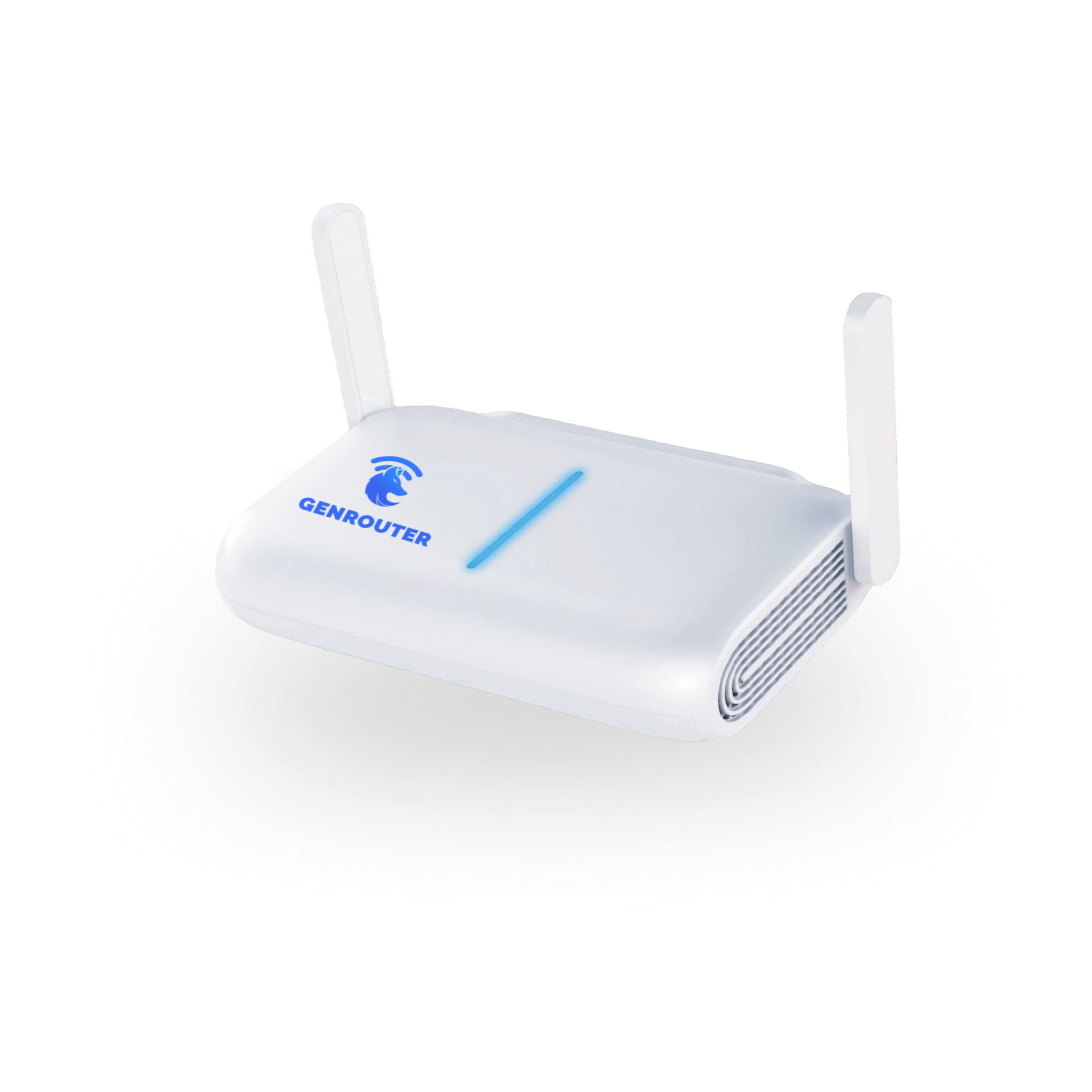
Manage your devices' connections from one router, with six key features.
One router. Different routes for the phones in each group.
Create a WiFi network for each market, client or group of phones. Connect the phones to that WiFi and they use the proxy or VPN route you assigned on GenRouter.
- A WiFi for each group: keep the networks for different markets or clients separate.
- Your choice of connection: add a proxy or VPN with the location and plan you need.
- Join and verify: check the IP on a phone after it joins its assigned WiFi.

A Safer Internet for Your Family
Take control of what your children see and do online. GenRouter's advanced Parental Controls go beyond simple time limits by deeply filtering content at the network level without complicated apps.
- Block Specific Games: One-click blocks for distracting games or fast-paced game servers.
- Filter Adult Content: Automatically enforce SafeSearch and block 18+ websites at the router level.
- Limit Social Media: Restrict apps like TikTok, Instagram, or Facebook during study hours.

Choose which connection a supported service uses on your devices.
Set a route for supported services on the router. One service can use a proxy or VPN connection while other traffic follows a different route, without making the whole phone use one connection for everything.
- Choose the service: assign the proxy or VPN connection it should use.
- Check the route: verify the setup for the service and device you plan to run.

Apps on each phone
Set up connections on individual phones.

GenRouter H3000
Manage proxy, VPN and WiFi from the router.
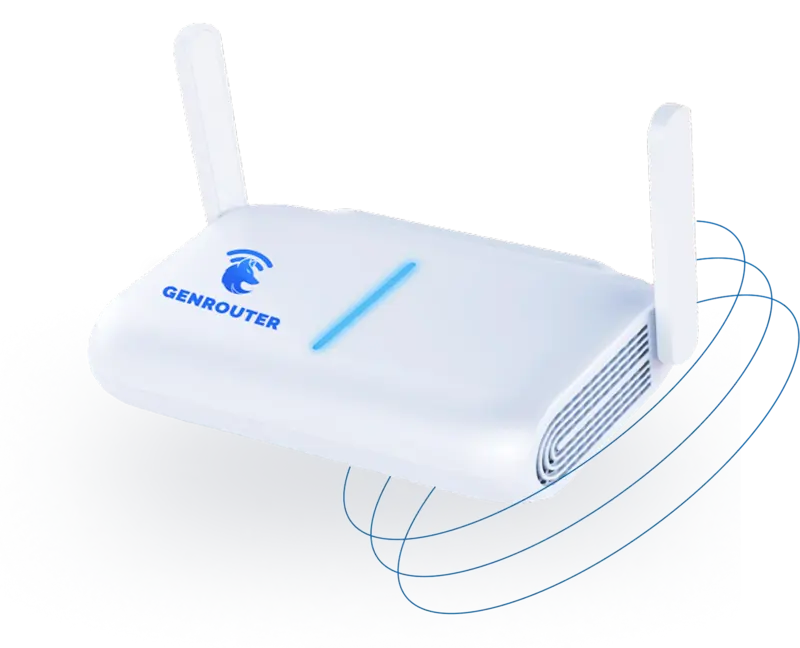
Apps on each phone
Set up connections on individual phones.
GenRouter H3000
Manage proxy, VPN and WiFi from the router.
GenRouter manages the WiFi. Your provider supplies the VPN connection.
| Tính năng |

|

|

|

|

|

|
|---|---|---|---|---|---|---|
|
Decentralized private network
Server
Ads Blocking
Geo unblocking
Supports all devices
$0/month
|
✓
All
✓
✓
✓
✓
|
✓
6,000+
✓
✓
✓
✓
|
✓
6,500+
✓
✓
✓
✓
|
✓
2,800+
✓
✓
✓
✓
|
✓
200+
✓
✓
✓
✓
|
✓
200+
✓
✓
✓
✓
|
Frequently Asked Questions
Do I need an existing internet connection?
Yes. Connect GenRouter to your modem or router by Ethernet, or use an existing WiFi connection. GenRouter does not provide internet service on its own.
Do I still need to buy proxies?
Yes, if you want a separate proxy IP for each phone. GenRouter does not sell proxies. Buy a plan from your provider, add its connection details on GenRouter, and assign the proxies to your phones. Phones sharing one proxy or VPN also share that connection's public IP.
Is there a monthly fee?
The H3000 router costs $198 as a one-time purchase, with no router subscription. If you use a paid proxy or VPN plan, your provider bills you separately. Shipping and tax are calculated at checkout.
Which devices can I connect, and how many?
Connect iPhones, Android phones, laptops, tablets and PCs over WiFi or Ethernet as supported by the device. H3000 is recommended for up to 20 connected devices and can create up to 32 WiFi networks. For more than 20 devices, ask about the right setup before ordering.
Will GenRouter stop my accounts from getting banned?
No router can guarantee that. GenRouter manages the connection your devices use and lets you check their routes. Account history, behavior and platform rules still matter.