
Proxy per device
HTTP / HTTPS / SOCKS5
GenRouter | Professional Proxy Router for Optimized Connectivity
Skip to contentManage proxy, VPN and network routing for all your devices from one router. A safer, easier and more efficient way to run multi-account, automation and device farms.
HTTP / HTTPS / SOCKS5
Different networks for different groups
More consistent network environment
Keep your devices separated
When you manage multiple social or ecommerce accounts, each device's network setup matters - whether it's a phone, laptop, tablet, or PC.
WHERE THESE PROBLEMS SHOW UP
TikTokFacebookInstagramYouTubeAmazoneBayEtsyShopifyManage multiple accounts on TikTok, Facebook, and Instagram. Keep every account in a separate IP environment without detection.
GenRouter for managing IP for Ecommerce Dropshipping. Keep every account in a separate IP environment.
You farm many accounts across these platforms. Then the problems start:
Many people install a VPN app or a proxy app on the phone, see an IP in the US or another country, and think they're safe. But the right IP on screen doesn't mean the phone's whole network environment is clean and safe. TikTok, Facebook and ecommerce platforms can also detect that you're using a VPN or a proxy.
"I changed my IP, so I'm done, right?"
Platforms don't only look at the IP on screen. They check other information from your device and your network. If that leaks, your accounts can still be at risk.
Where network name requests are resolved. Can reveal your real location if not configured properly.
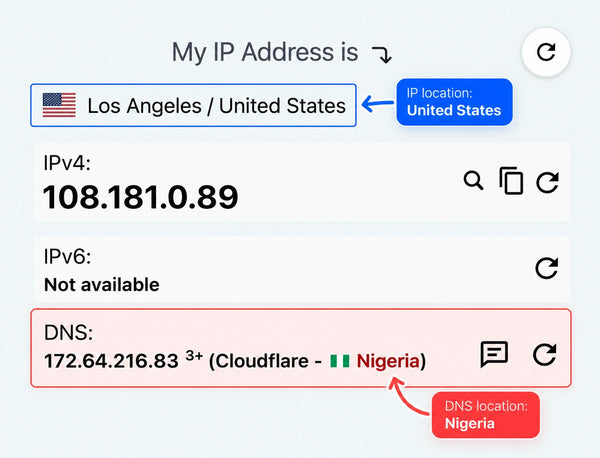
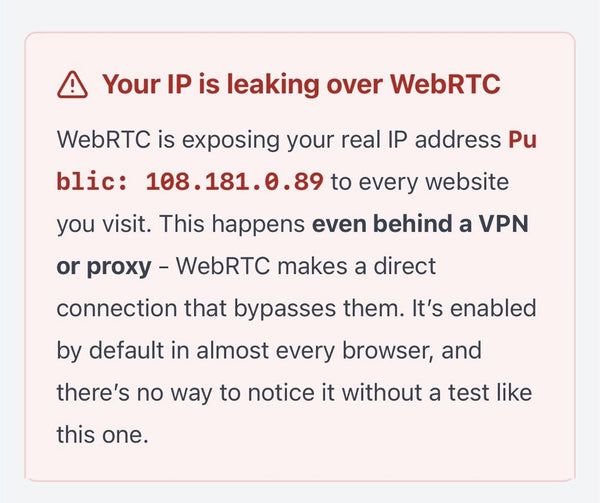
Can expose additional network information in some environments.
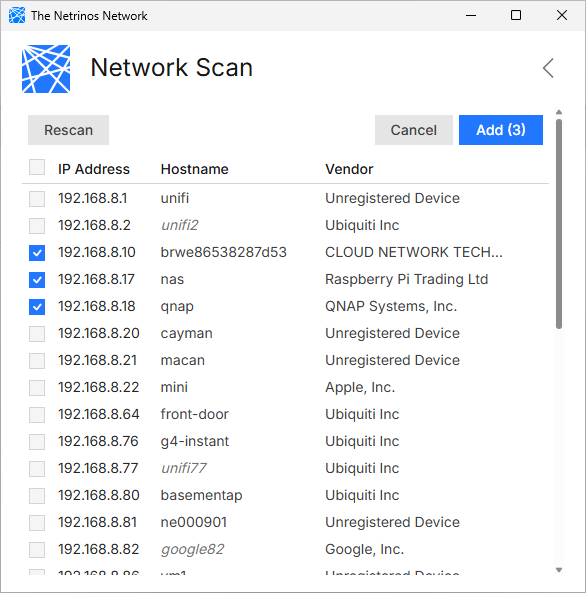
Devices on the same local network may be visible to one another depending on configuration.
GenRouter helps you manage these network controls at the router level, so all connected devices follow the same configuration.
Antidetect GenRouter H3000 gives you full control over proxy, VPN, WiFi networks and network protection, so all your devices can run in a more consistent and isolated environment.
Proxy per device or group
Connect your devices to GenRouter, select them and paste your proxy list once. GenRouter distributes the proxies directly from the router.
Why it matters: Manage different IPs across an entire device farm from one place, without repeating the same setup phone by phone.
Buy nowUp to 32 WiFi networks (SSIDs)
Instead of putting your entire device farm on one shared WiFi, create up to 32 separate networks for individual phones or groups.
Why it matters: Each device can operate with its own WiFi profile, proxy, DNS and routing settings for cleaner network separation.
Buy nowCustom DNS & DNS leak protection
Your proxy may show a US IP while DNS still points to another country or ISP. GenRouter keeps DNS aligned with your intended network route.
Why it matters: Reduce DNS leaks and mismatched network signals that platforms may see from your devices.
Buy nowWebRTC protection
WebRTC-related connections may reveal additional IP information outside your intended proxy route. GenRouter helps reduce that unintended exposure.
Why it matters: Keep the public network information seen by websites and platforms more consistent with the IP you intended to use.
Buy nowLAN isolation
Your phones can have different public IPs while still discovering or communicating with each other on the same LAN. GenRouter blocks unnecessary device-to-device access.
Why it matters: Separate devices inside your local network too, not just by their public IP.
Buy nowSmart routing by service
Route supported services through different proxy or VPN connections without forcing all traffic on the phone through the same route.
Why it matters: Instagram can use a US route, TikTok a UK route, while other traffic follows its own connection.
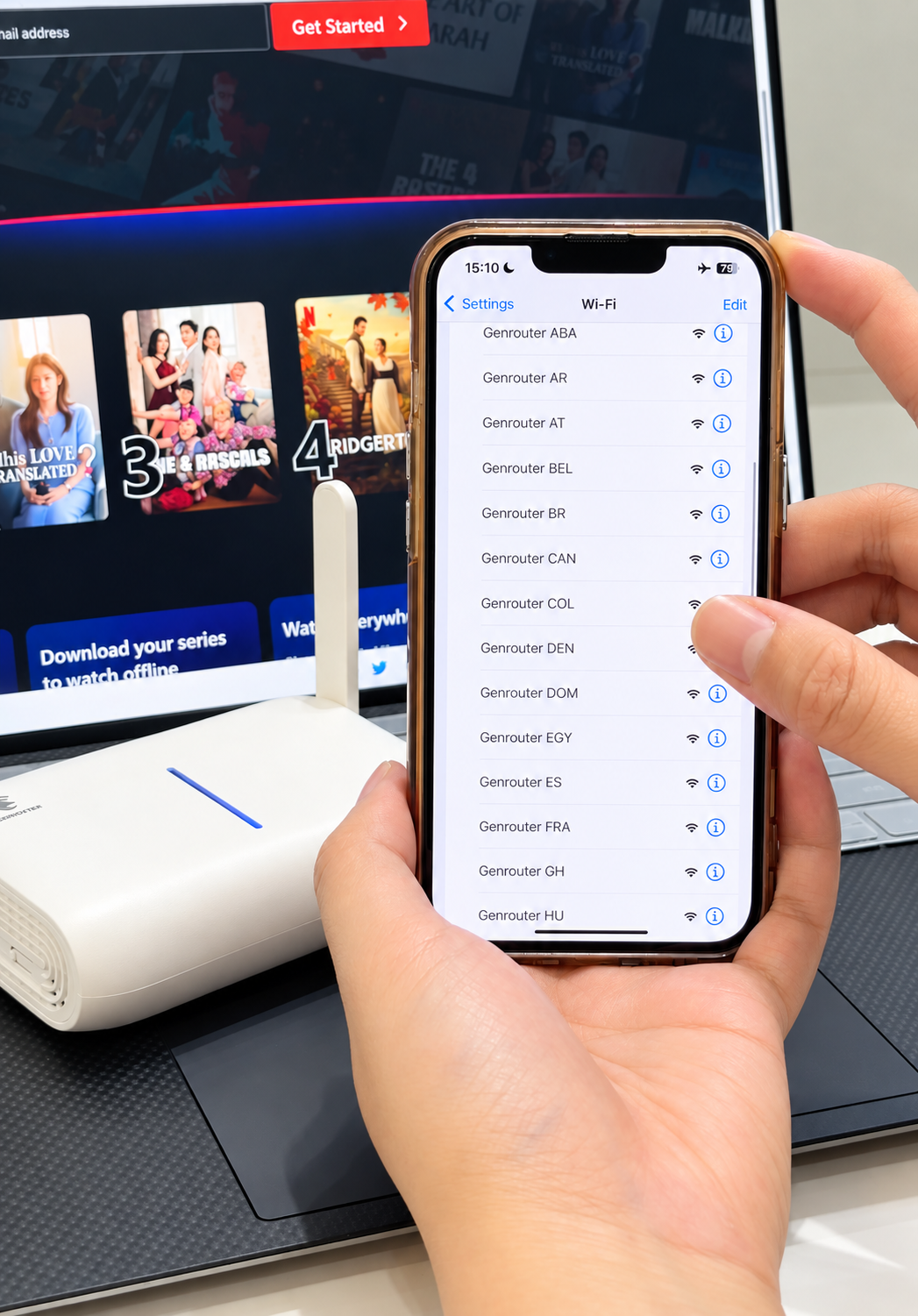
Buy nowInstead of an app on every phone, connect the proxy or VPN from the WiFi with GenRouter H3000. Open WiFi on the phone and join the GenRouter network. No app on the phone, so it behaves naturally, like a normal phone on normal WiFi.
Connect each phone to a separate WiFi network and assign its own proxy or VPN route from GenRouter. US, UK, Canada and Japan can run side by side through one router.
Watch Demo
GenRouter sits between your internet and your devices. Whatever you run, every device joins its WiFi and goes out the route you chose.
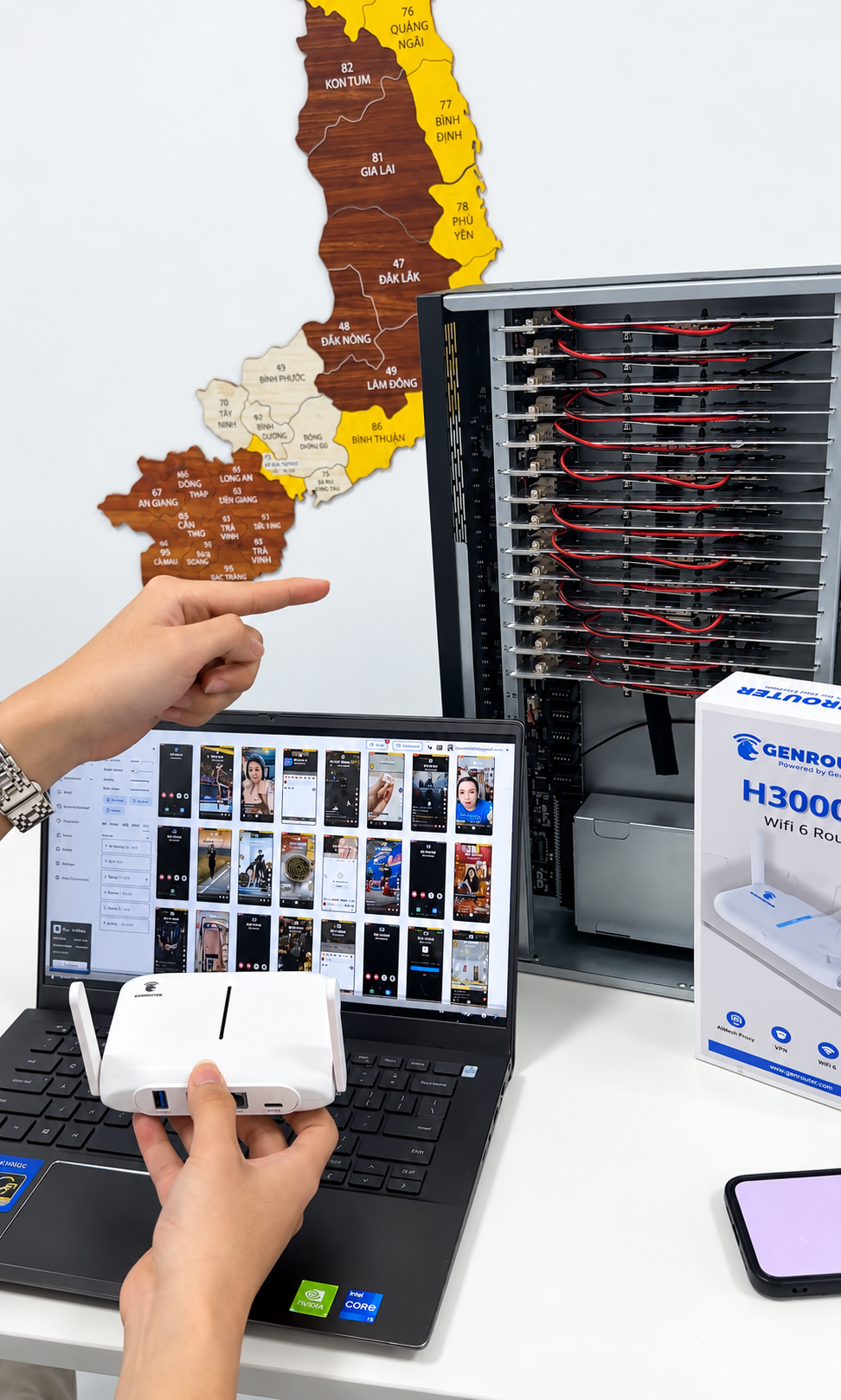
Ten, twenty, a full shelf. Each phone on its own IP, all running through one router.
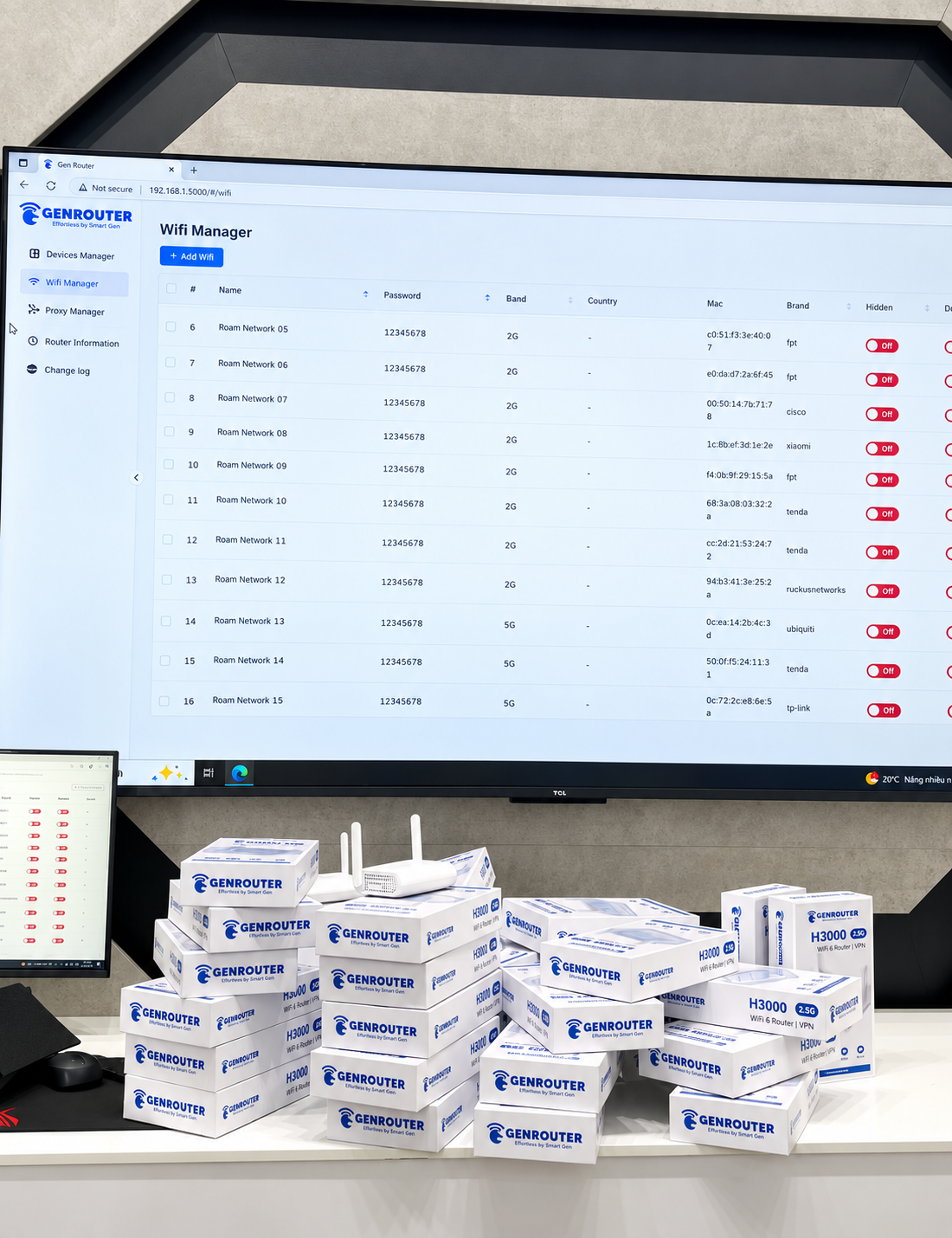
BoxPhone or boxes from any supplier. If it connects by WiFi or LAN cable, it gets a route.
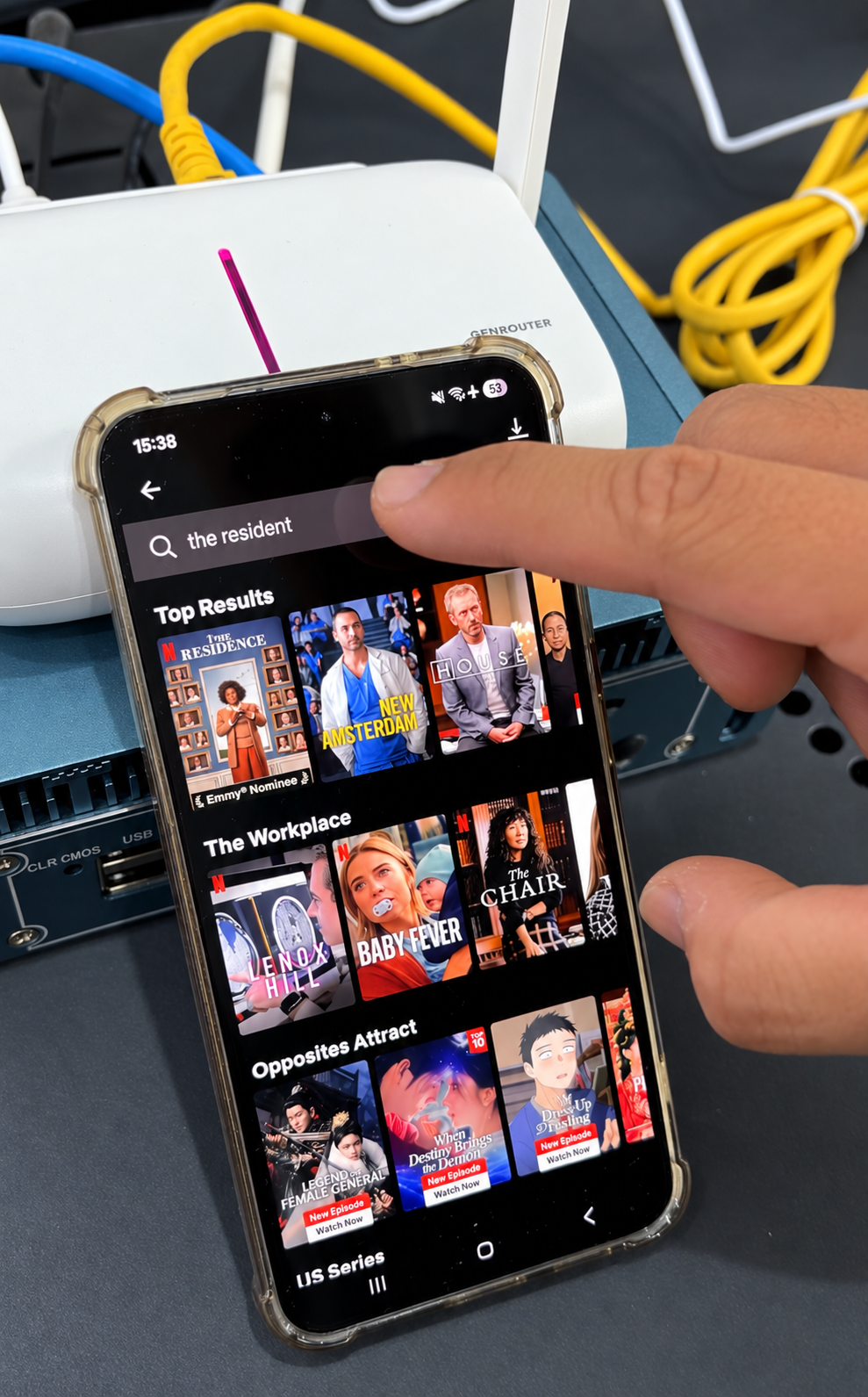
Phones, laptops, TV, console. Log in to your VPN once on the router and the whole WiFi uses it.
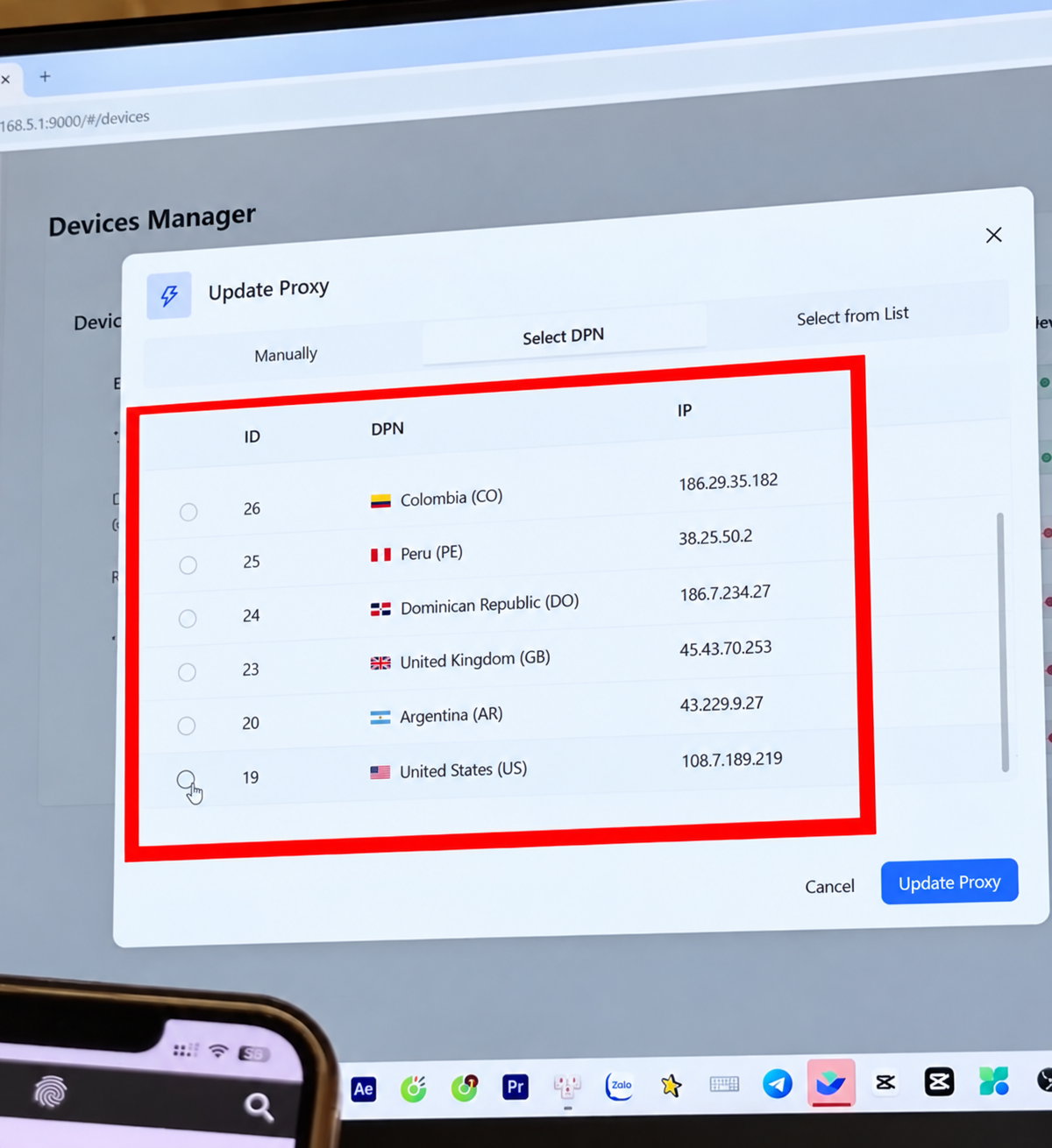
One WiFi per country or client. Your team picks the WiFi, the route follows.
Real setups, real racks. See what changes when every phone gets its own route.
Platforms read device identity, not just your IP. Why device and network have to work together.
How GenRouter gives each phone its own proxy or network profile.
One device, one proxy, one consistent network identity.
Log in to NordVPN or ExpressVPN once on the router.
1 BoxPhone: GenRouter. 2 to 10 BoxPhones: GenMini PC.
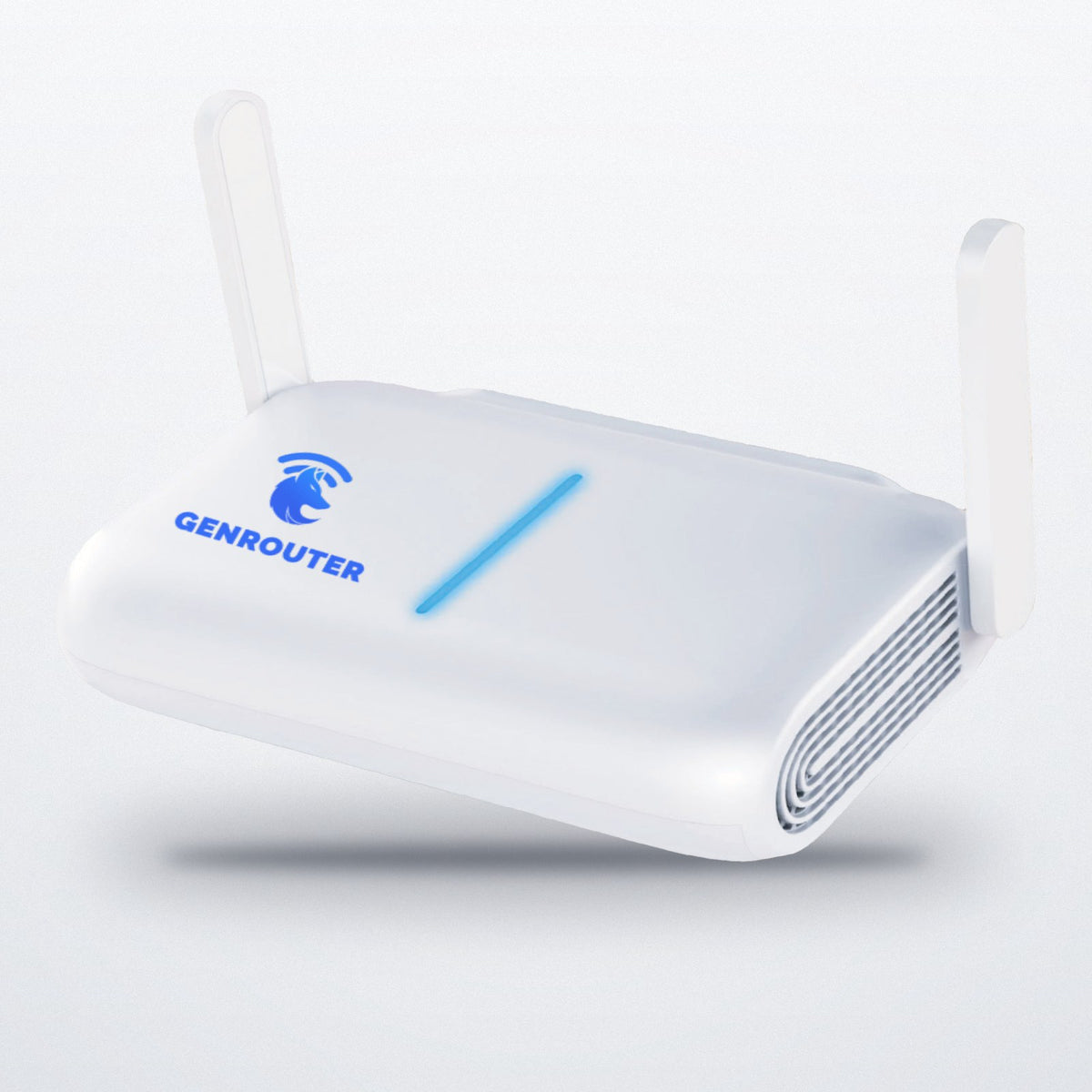
Secure checkout on genrouter.com: Visa, Mastercard, Amex, Discover, Shop Pay, Apple Pay, Google Pay, PayPal.
Beginner network setup
New to proxies? When you run several phones, you usually want each one to show its own internet address, or one in a specific country. That address is an IP. A proxy is how you rent one.
Connect power and your internet: a cable from your modem, or an existing WiFi.
Paste your HTTPS or SOCKS5 proxies, or log in to your VPN. Pick phones or a WiFi network. Apply.
Create WiFi networks (SSIDs) for each group of phones. Each WiFi can use a different proxy or VPN.
Phones join the WiFi. Open an IP check on a phone to confirm its route.
More than 20 devices
H3000 is built for up to 20. For two boxes, a mix of boxes, several clients or a setup from scratch, tell us what you run and we'll reply with the right setup, including whether you need GenRouter Mini PC.
These are things people running phone racks tell us every week. It's not the setup itself. It's doing it again and again, and never being sure it's right.
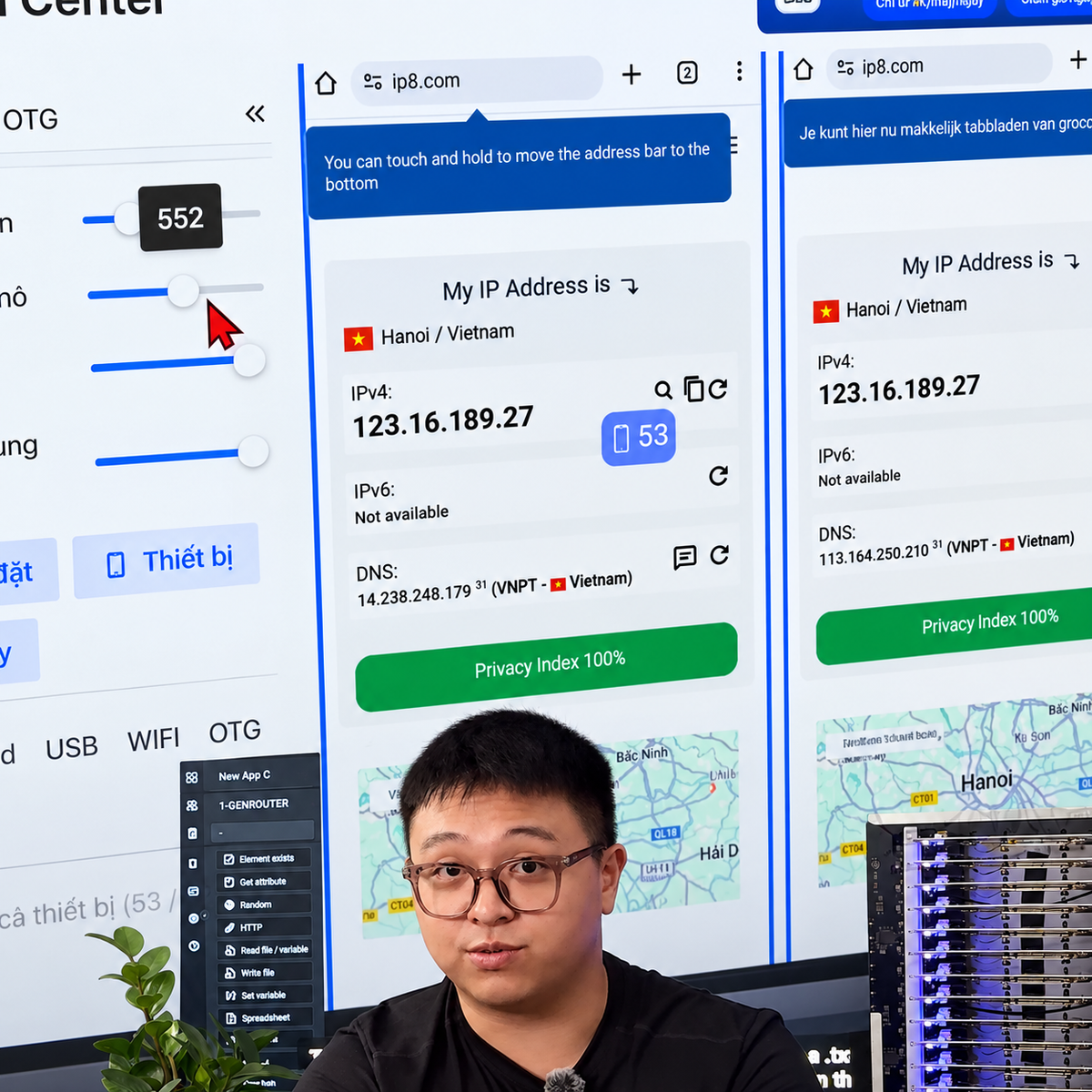
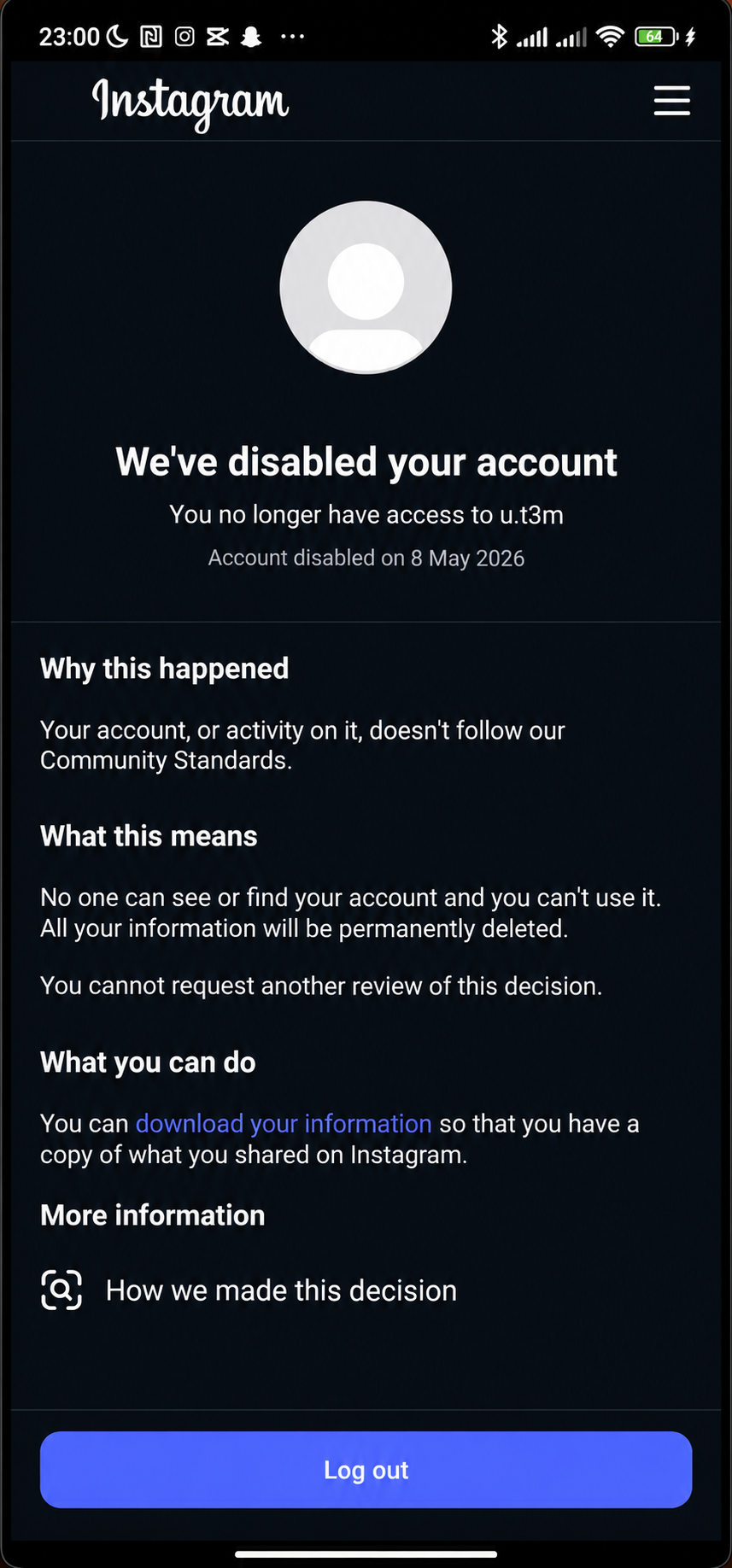
My current WiFi router is the same IP address. They track it and block some TikTok accounts.
Twenty phones on your home WiFi look like one connection to every app you use. When one account gets flagged, the others are sitting on the same address.
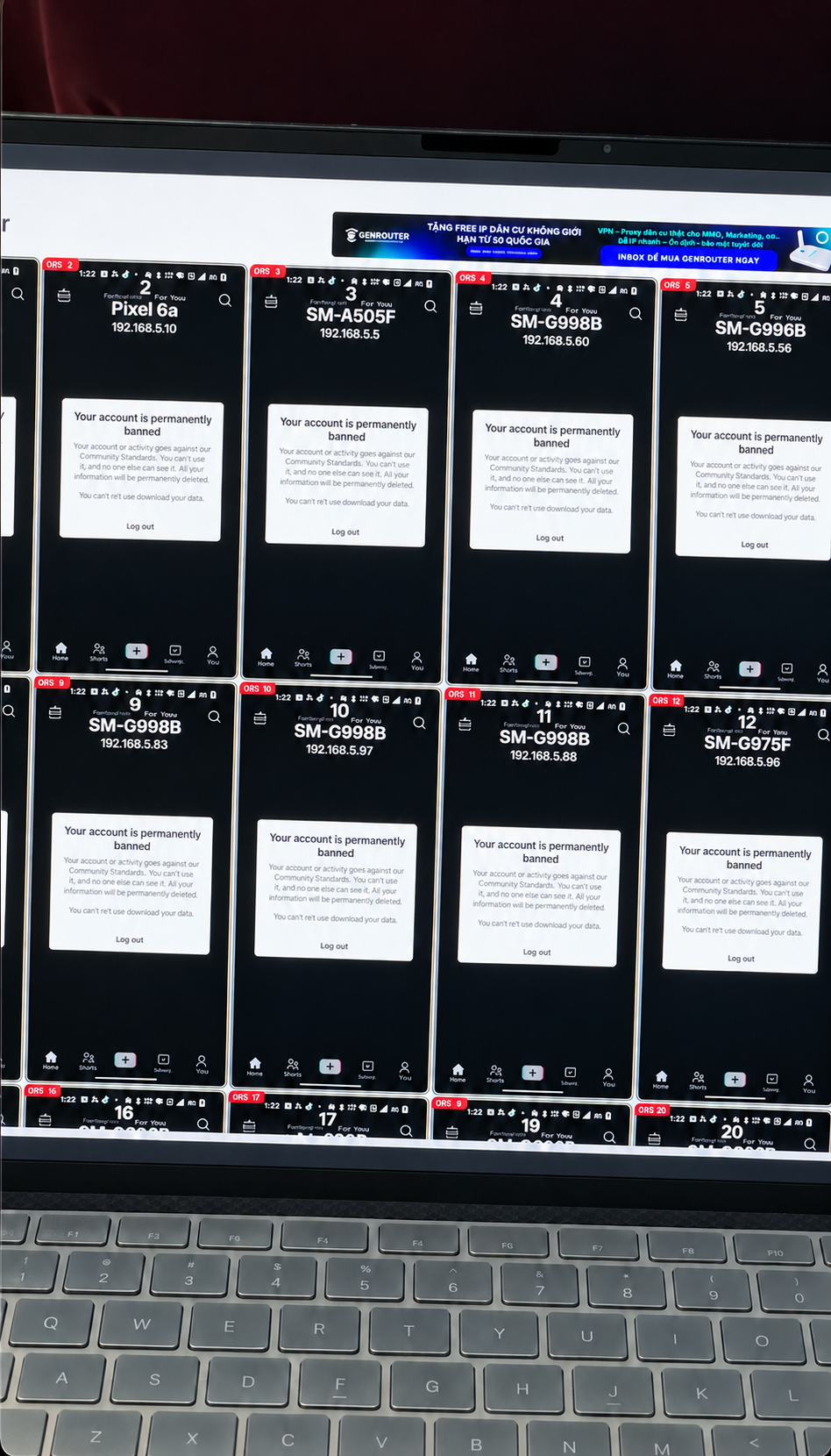
We're managing them phone by phone right now." · "I publish fine because I've got proxies, but it's slow and manual.
New proxy batch on Monday. You pick up phone 1. Nineteen more are waiting. Open the app, paste, save, next. Add five phones next month and the job gets bigger.
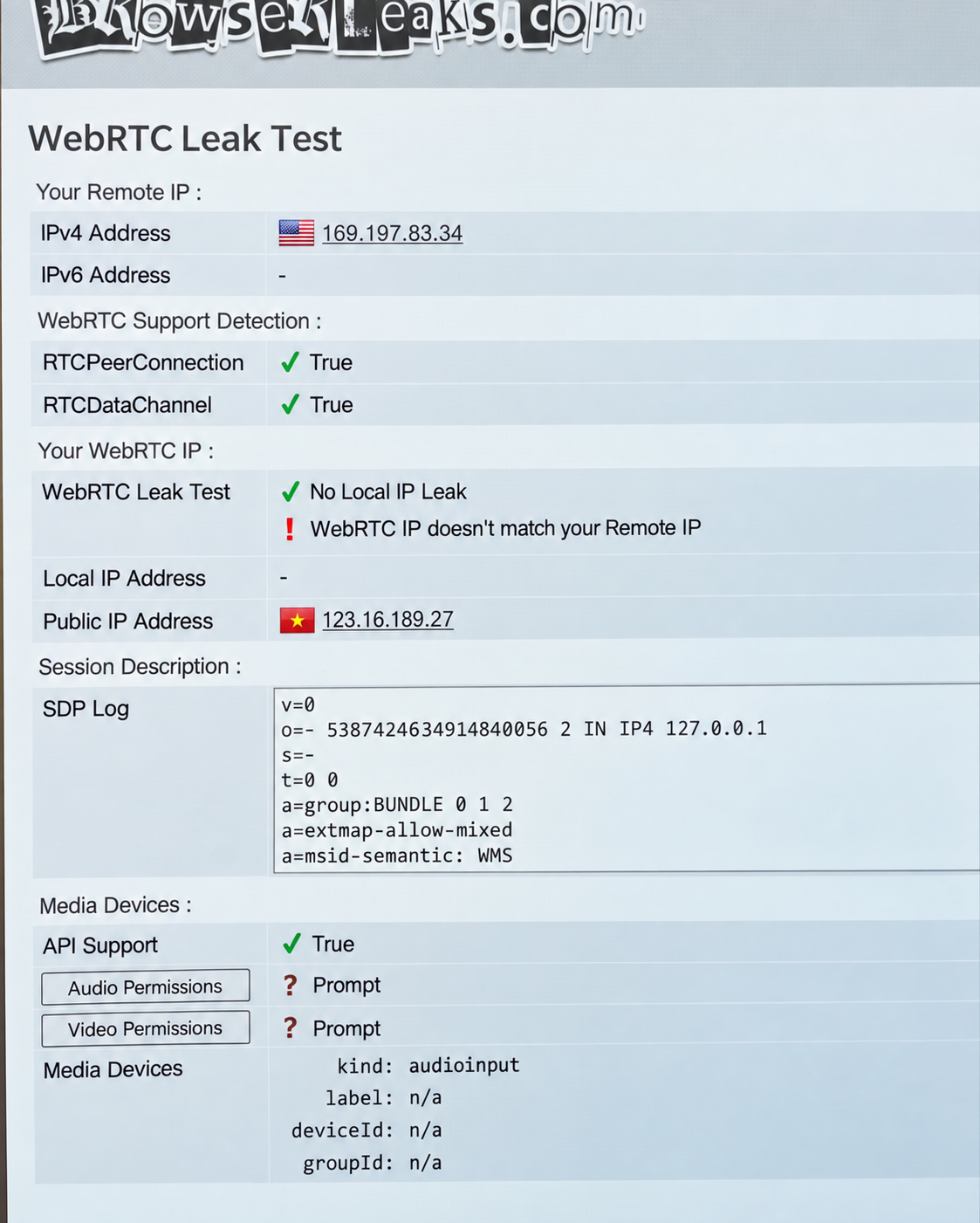
I might have big issues with IP leakage.
A phone shows a US address, so it looks fine. But its DNS or WebRTC may still point somewhere else, and nothing on the screen tells you.
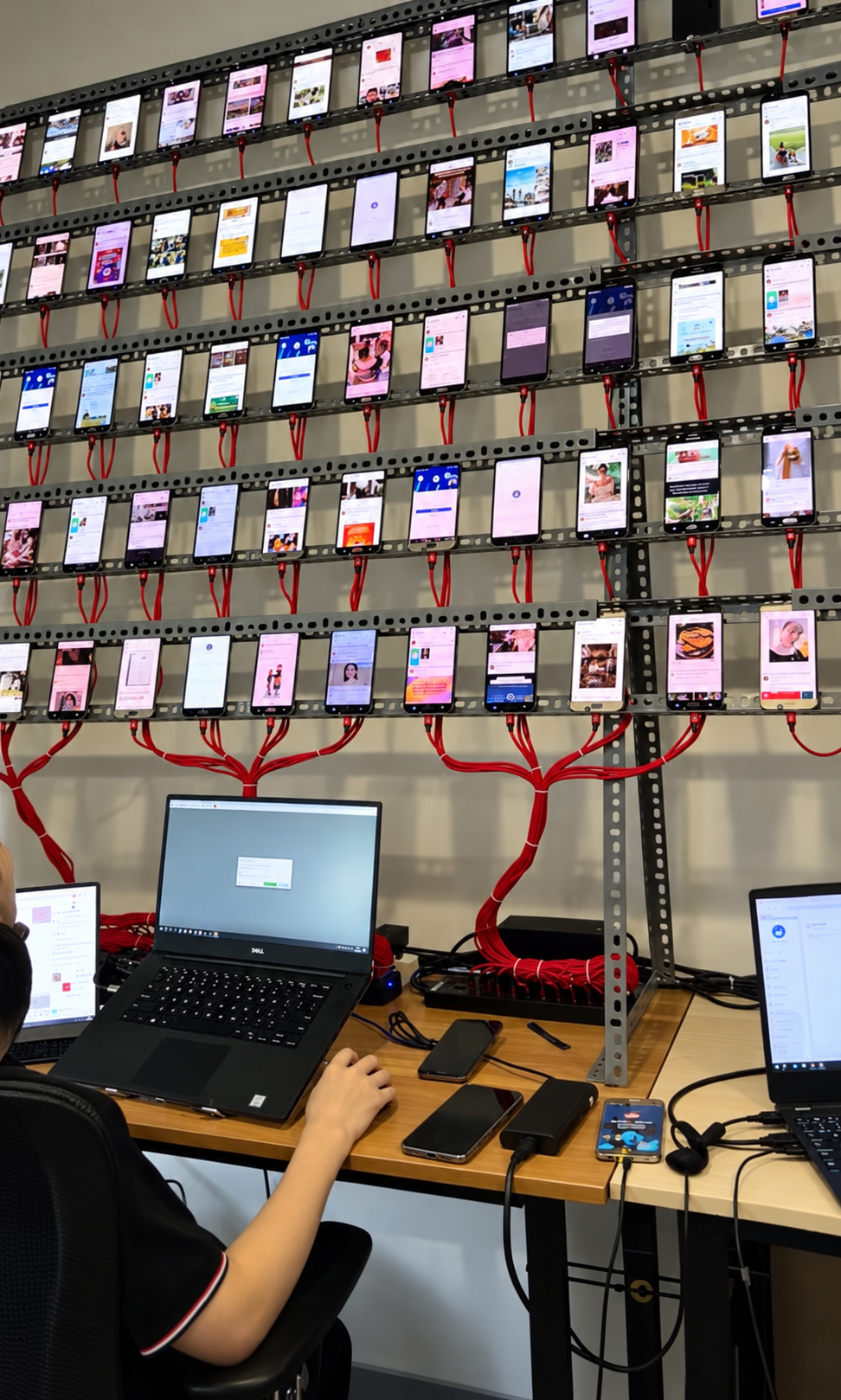
I use 20 phones and I work in multiple countries. It's very difficult to manage them, tapping everything manually.
Some phones need a US address, some UK, some Germany. Every switch means reconfiguring by hand and hoping nobody mixed them up.
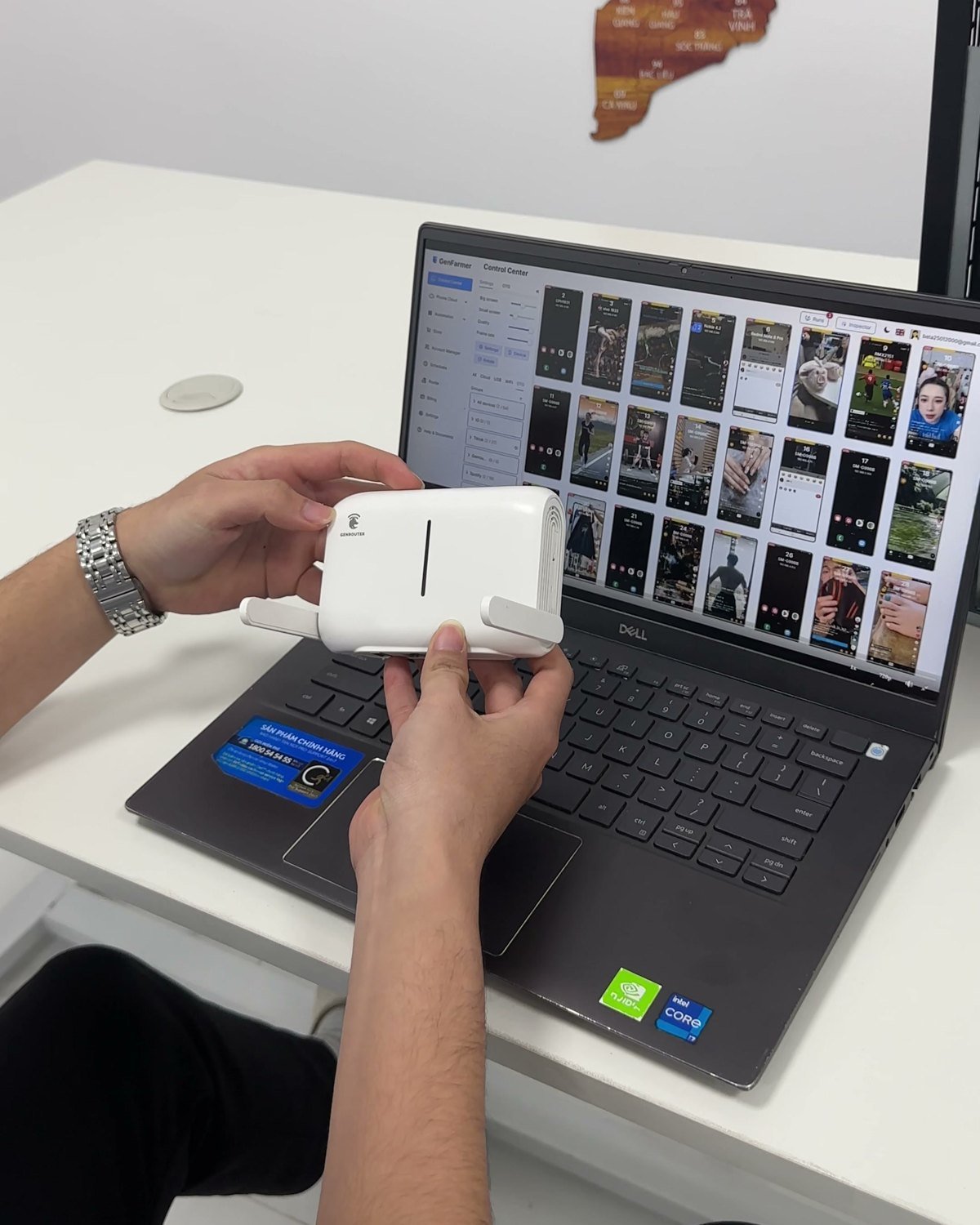
It's all in your head, a spreadsheet and some screenshots. A new team member picks the wrong proxy and nobody notices for days.
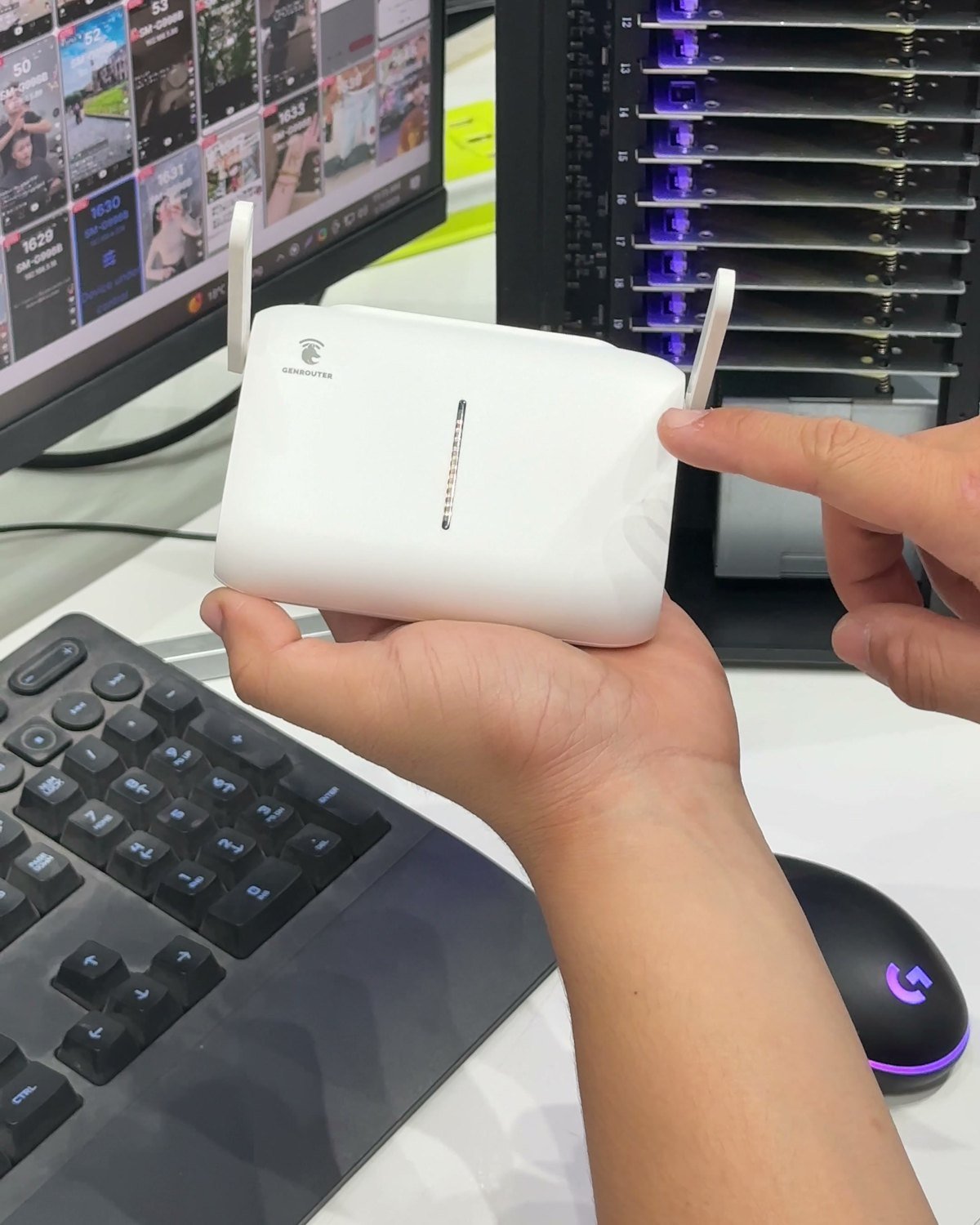
I have a box phone I bought from another supplier. Will GenRouter still work?
You already own boxes from another brand. You assumed a router like this only works with its own brand's boxes, so you never looked.
A phone drops offline. Is it the internet line, a dead proxy, or the phone? You don't know, so you start checking them all.
I had each phone set up with a VPN.
Laptops, phones, the office TV. Install the app, log in, check it. Some devices can't run the app at all, so they're left out.


